Kopia Backup: Cloud Storage Setup Guide (OCI, S3, Backblaze B2)
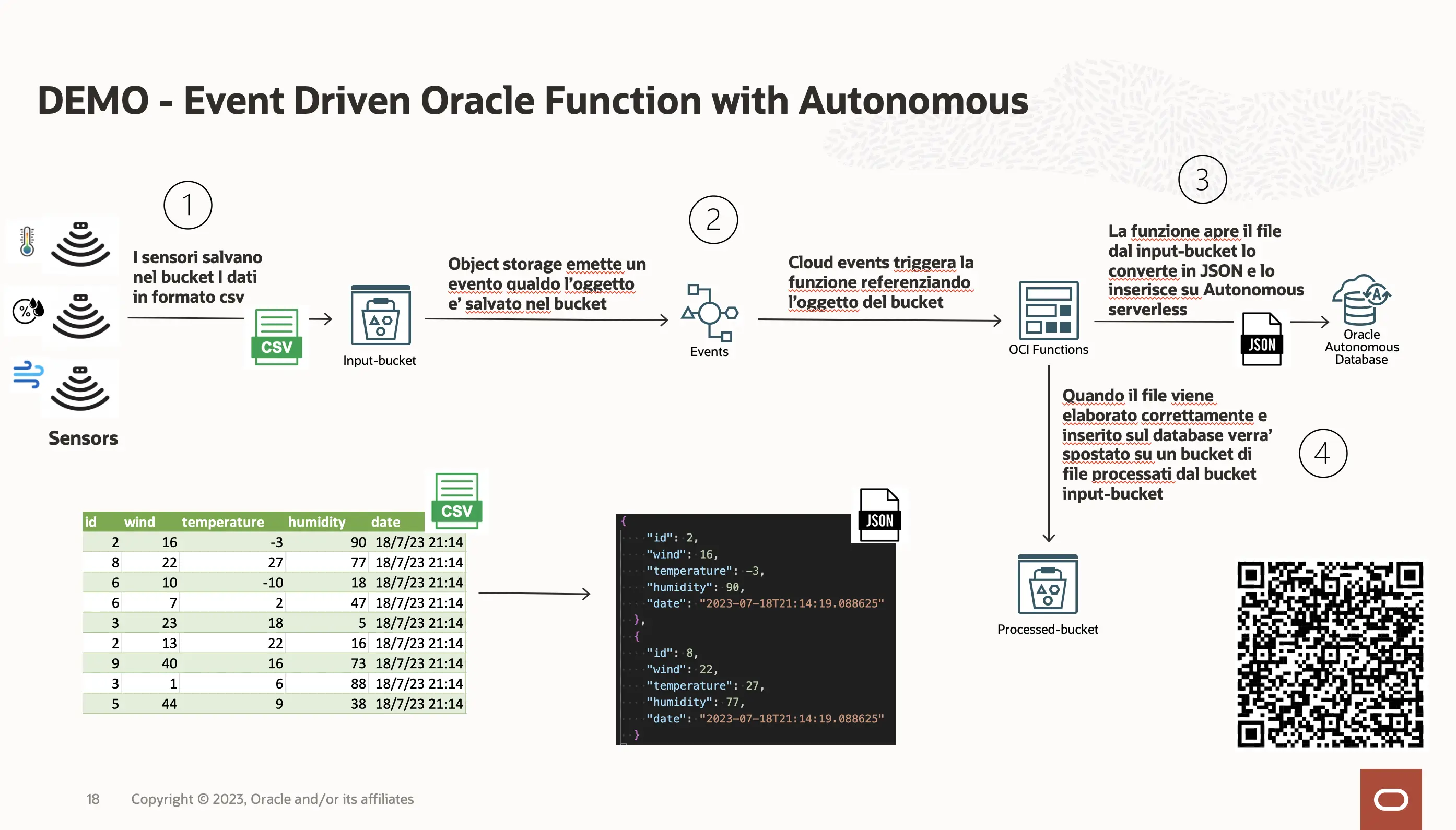
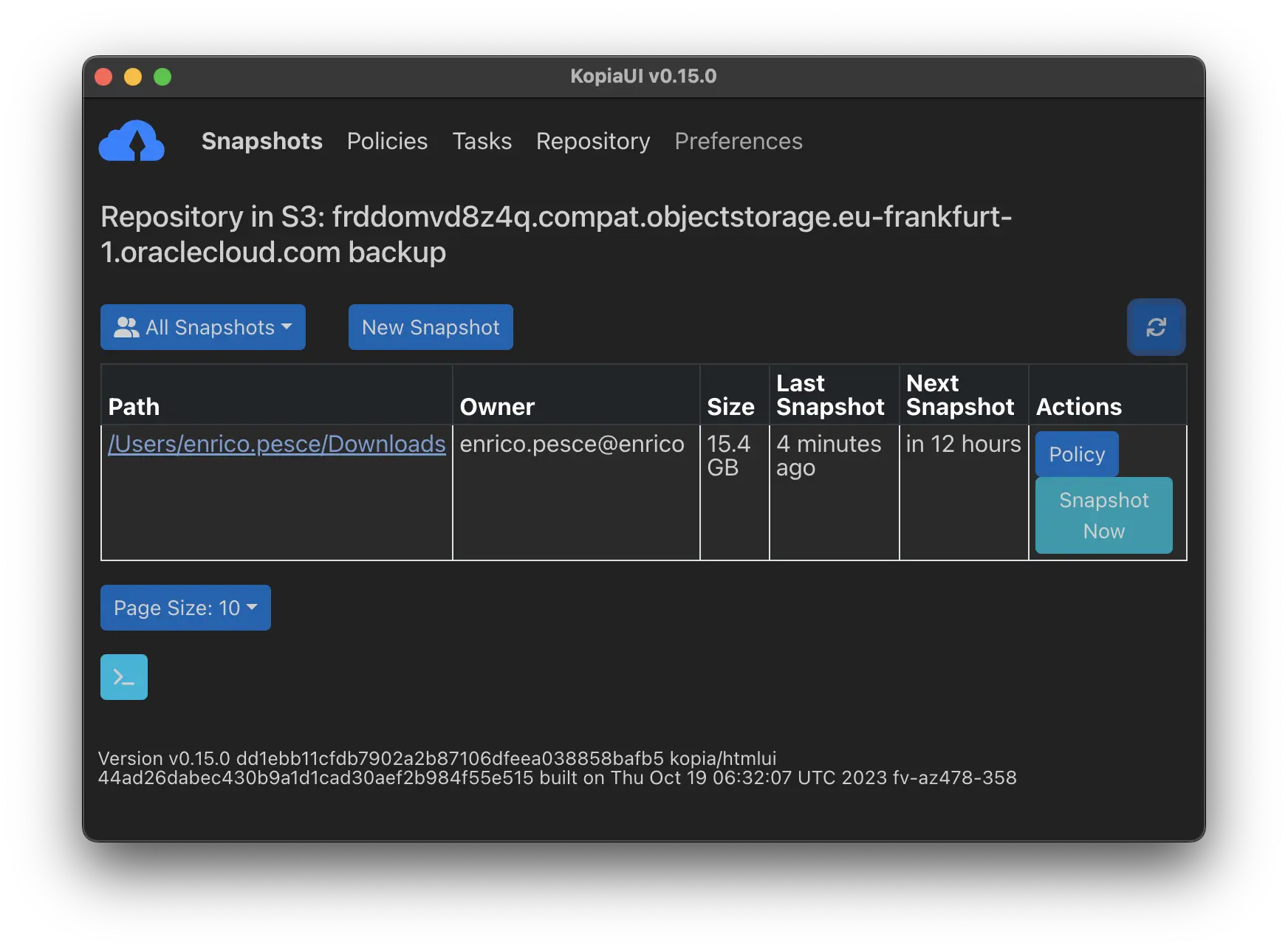
Kopia is an open-source backup tool that creates encrypted, deduplicated and compressed snapshots and stores them on any S3-compatible cloud storage — including OCI Object Storage, Backblaze B2, AWS S3, MinIO, and more. The practical goal of this guide is simple: create a Kopia repository on your chosen backend, validate it, run the first snapshot, and know how to reconnect or restore data later. Quick setup Step What you need 1. Choose a storage backend OCI Object Storage, Backblaze B2, or any S3-compatible service. 2. Create a bucket and access keys Bucket name, endpoint, access key and secret key for your provider. 3. Create the Kopia repository kopia repository create s3 with the provider S3 endpoint. 4. Validate the repository kopia repository validate-provider. 5. Create snapshots kopia snapshot create <path>. Supported storage backends Kopia supports a wide range of storage backends. For cloud backups, the most common choices are: ...